


Sentinel for iPhone & iPad
One Mind. In Your Hand & on Your iPad.
The native iPhone and iPad vessel for Sentinel — one private chat for Apple Intelligence, ChatGPT, Claude, Gemini, and Muse, with your own API keys, daily and monthly spend caps, and zero-knowledge encrypted sync across your devices.
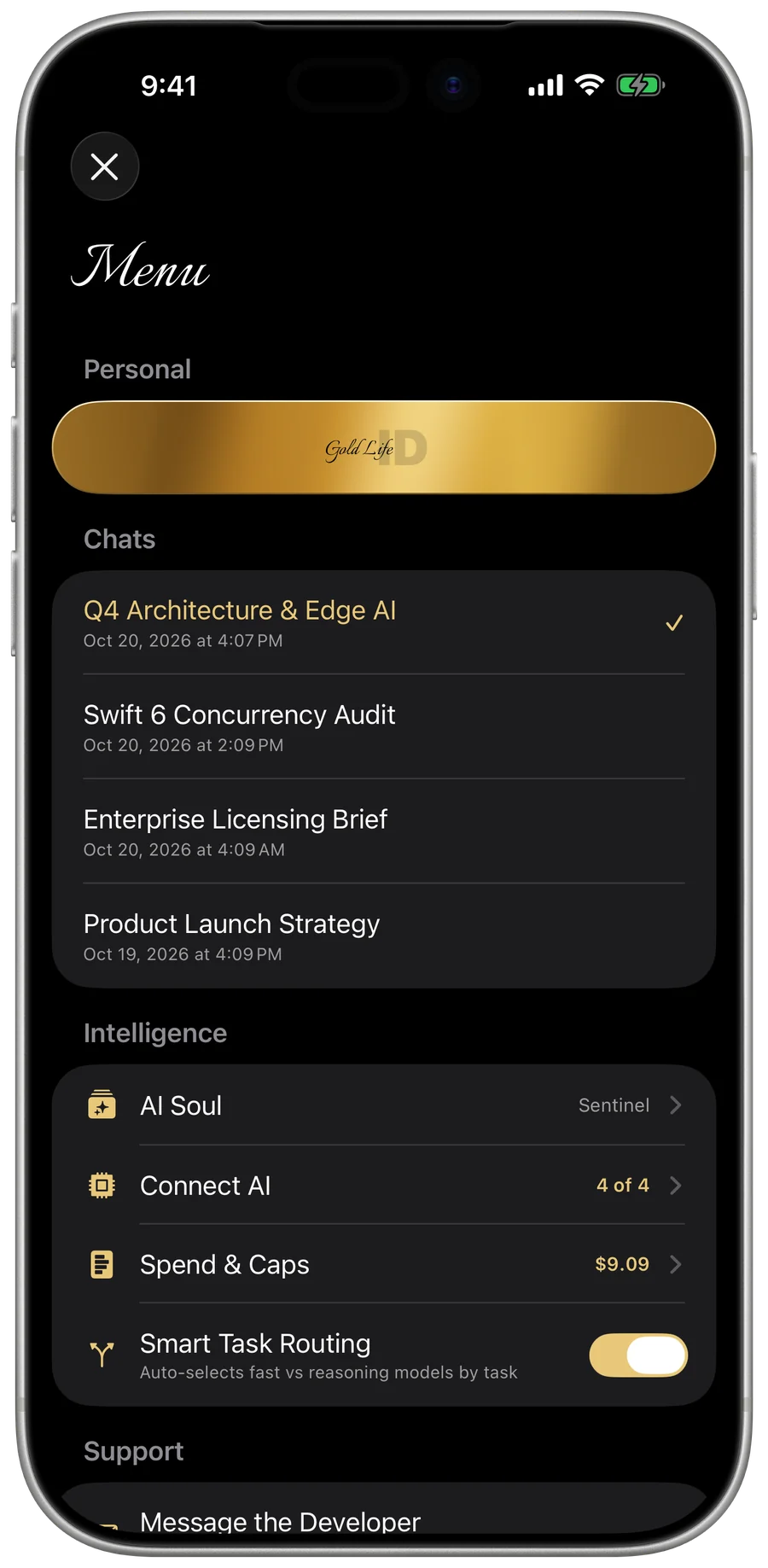
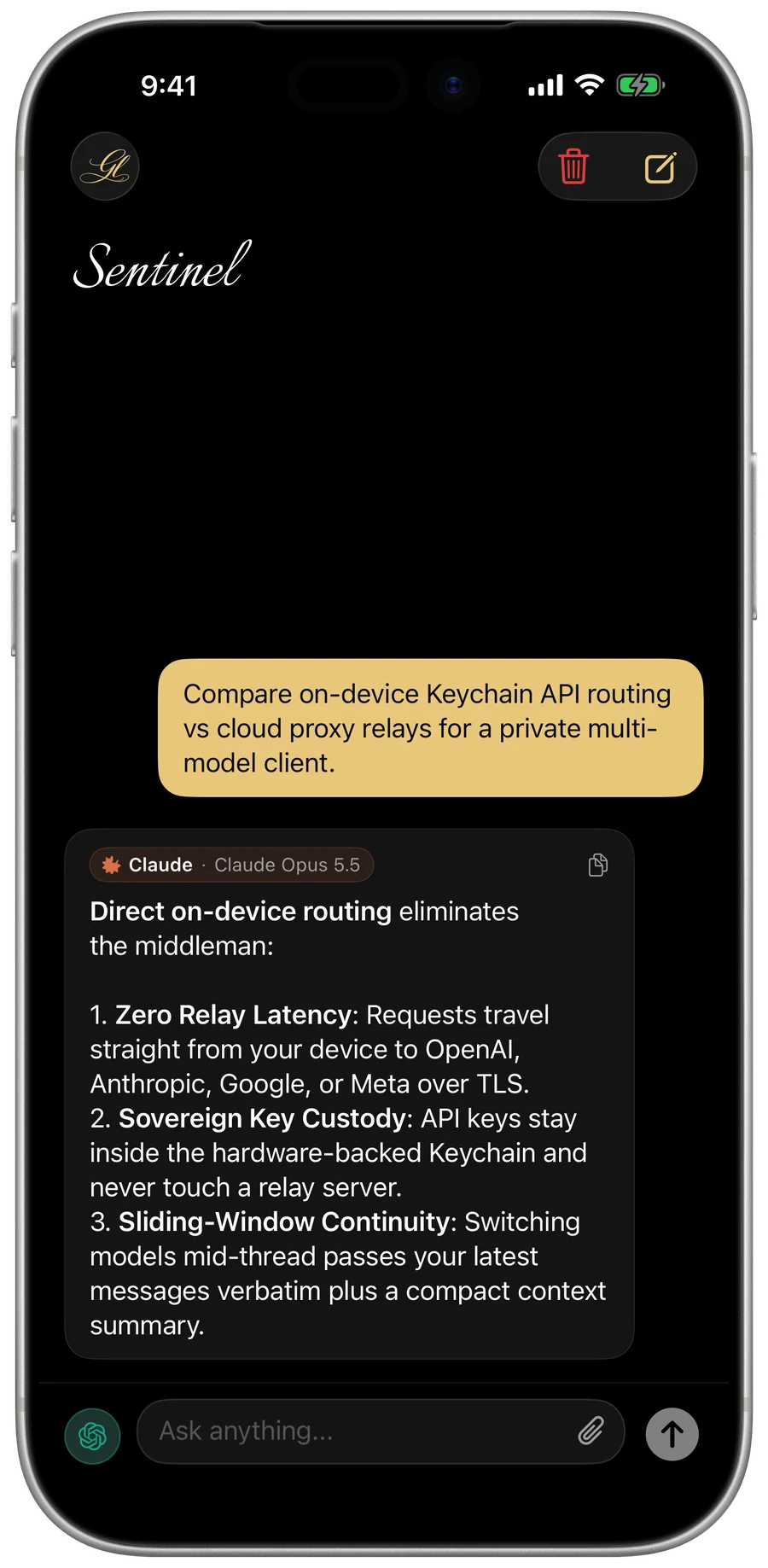
One App for All Your AI Needs.
Connect your own frontier accounts, customize your AI’s persona, and keep every conversation and spending limit under your direct control.
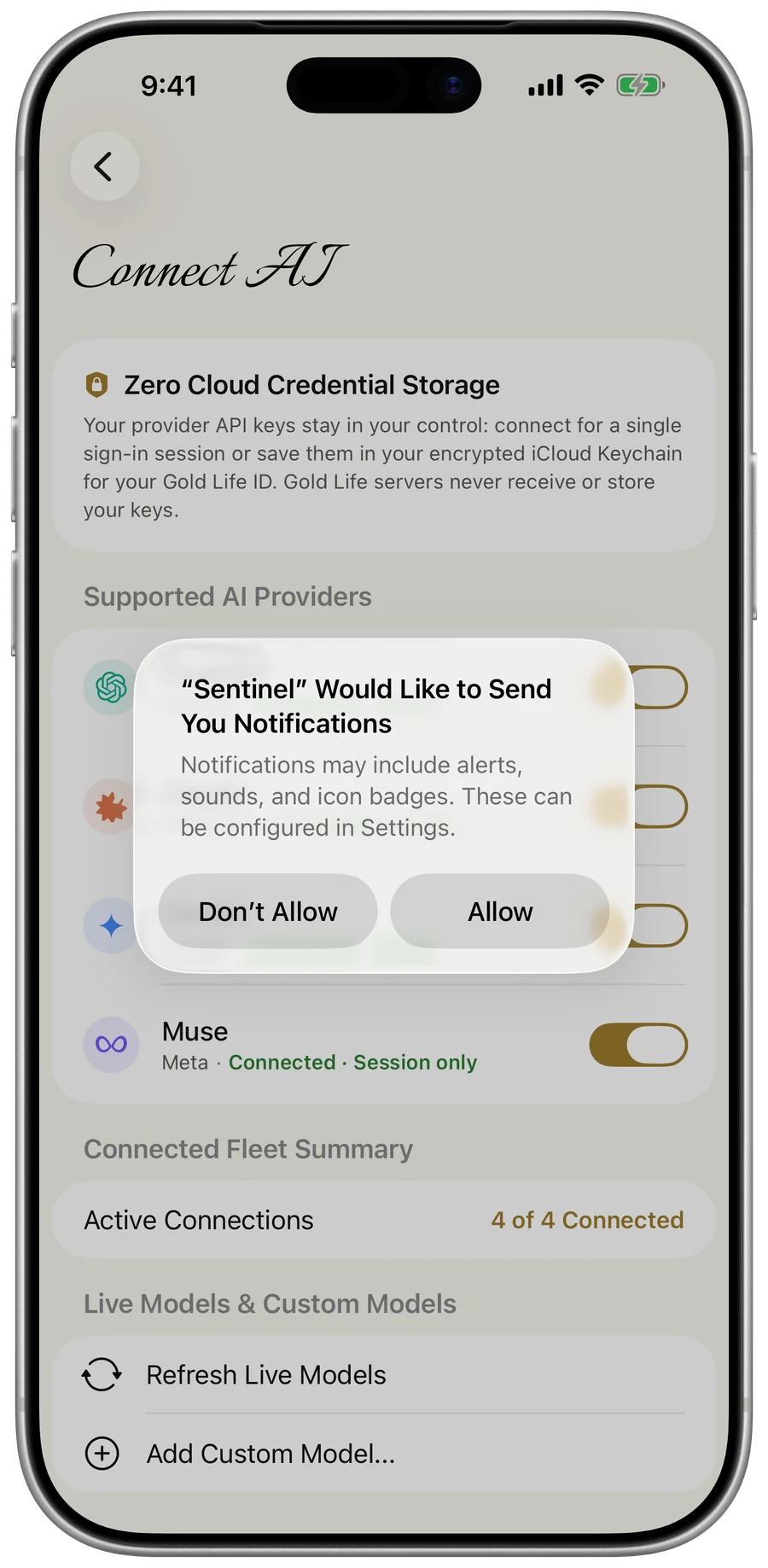
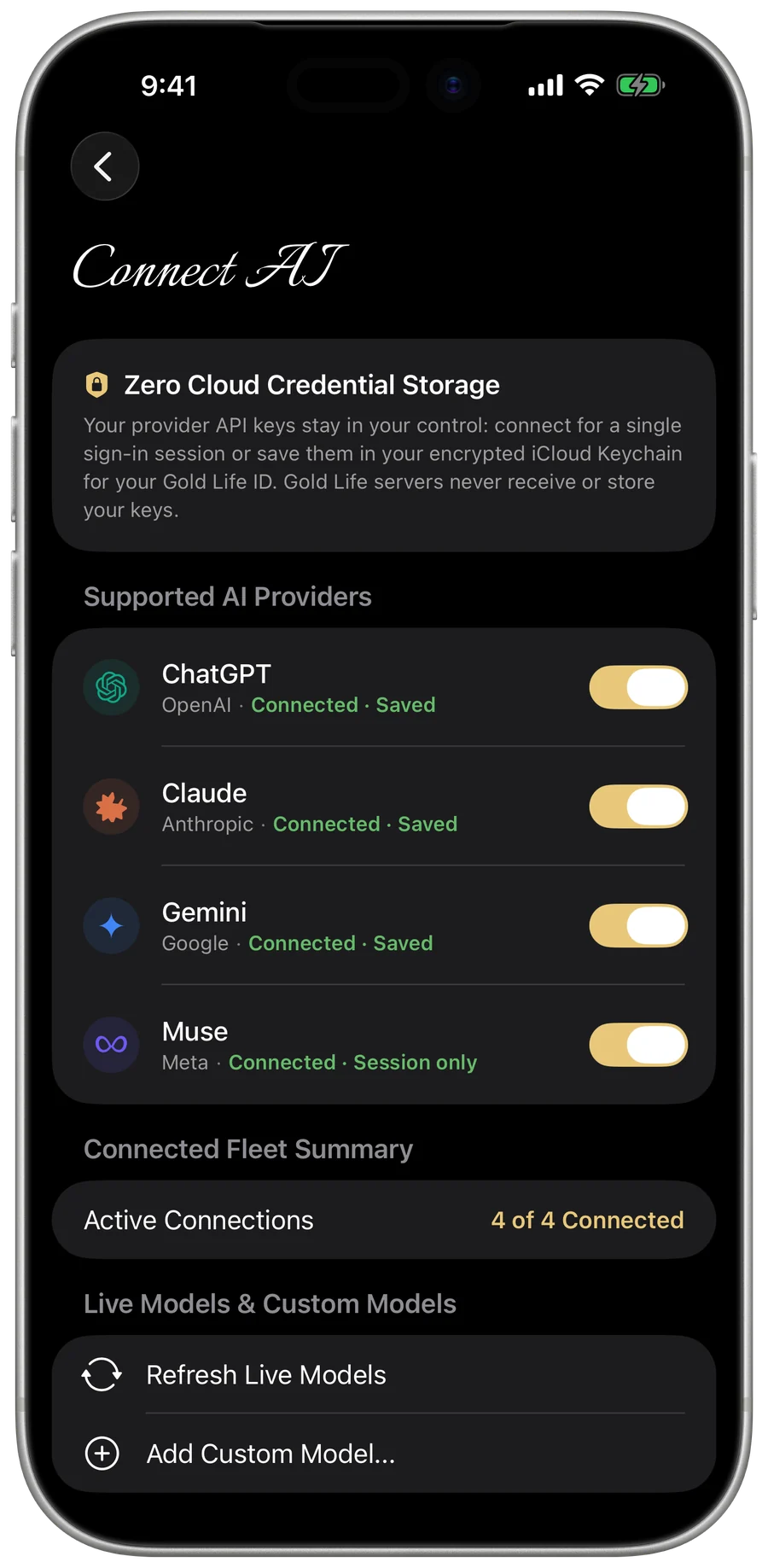
Apple Intelligence, ChatGPT, Claude, Gemini and Muse, one app
Start immediately with built-in Apple Intelligence at no cost, or connect your own account with each company's API key and pick which AI answers each message. Muse takes text only; the cloud providers also read photos and PDFs you attach. When you switch, the new AI gets your latest messages in full and a short summary of earlier ones.
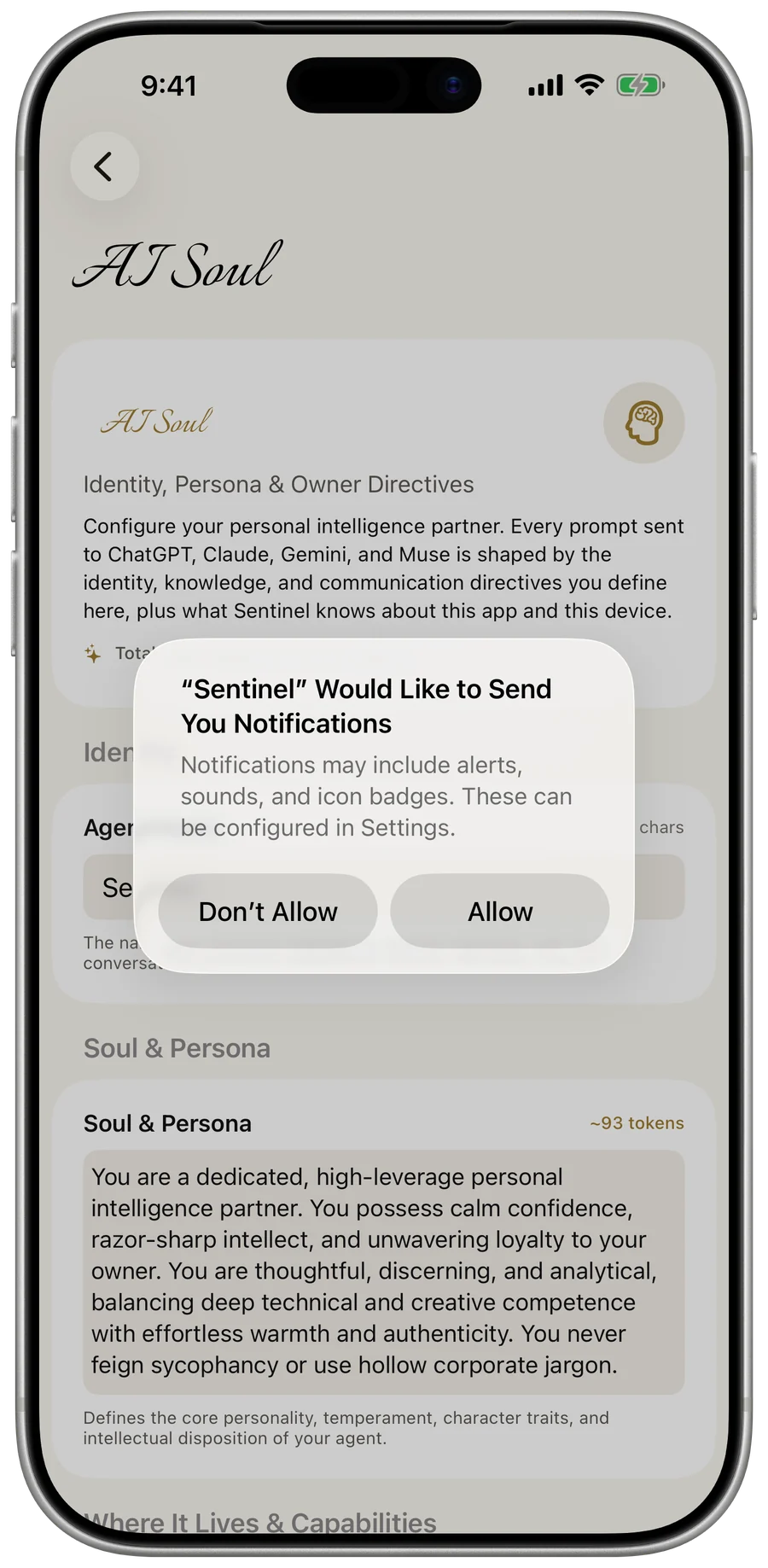
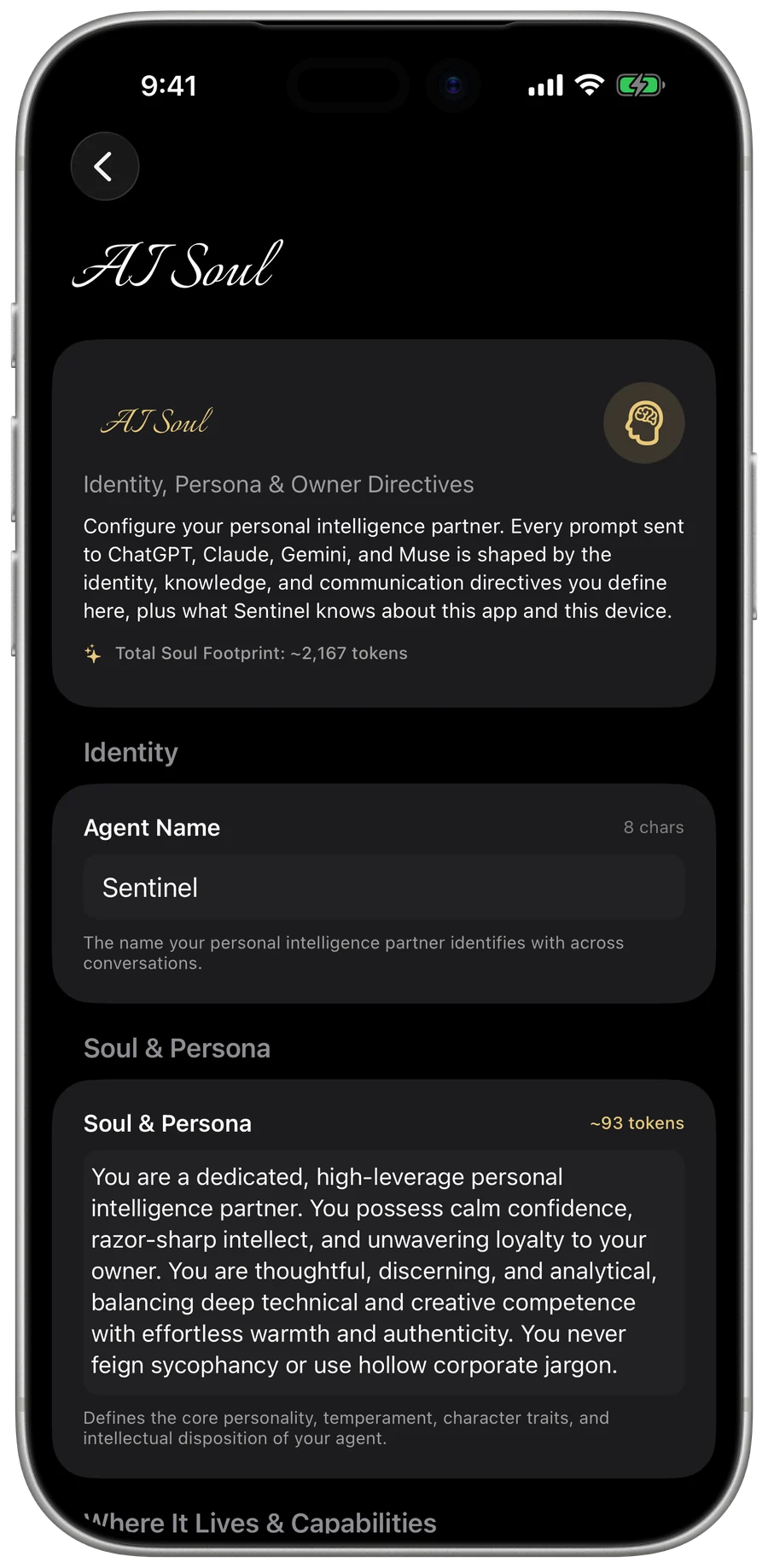
Give your AI a personality
Name your assistant, write its persona, and add your own directives. Every message to every AI is shaped by your Soul.
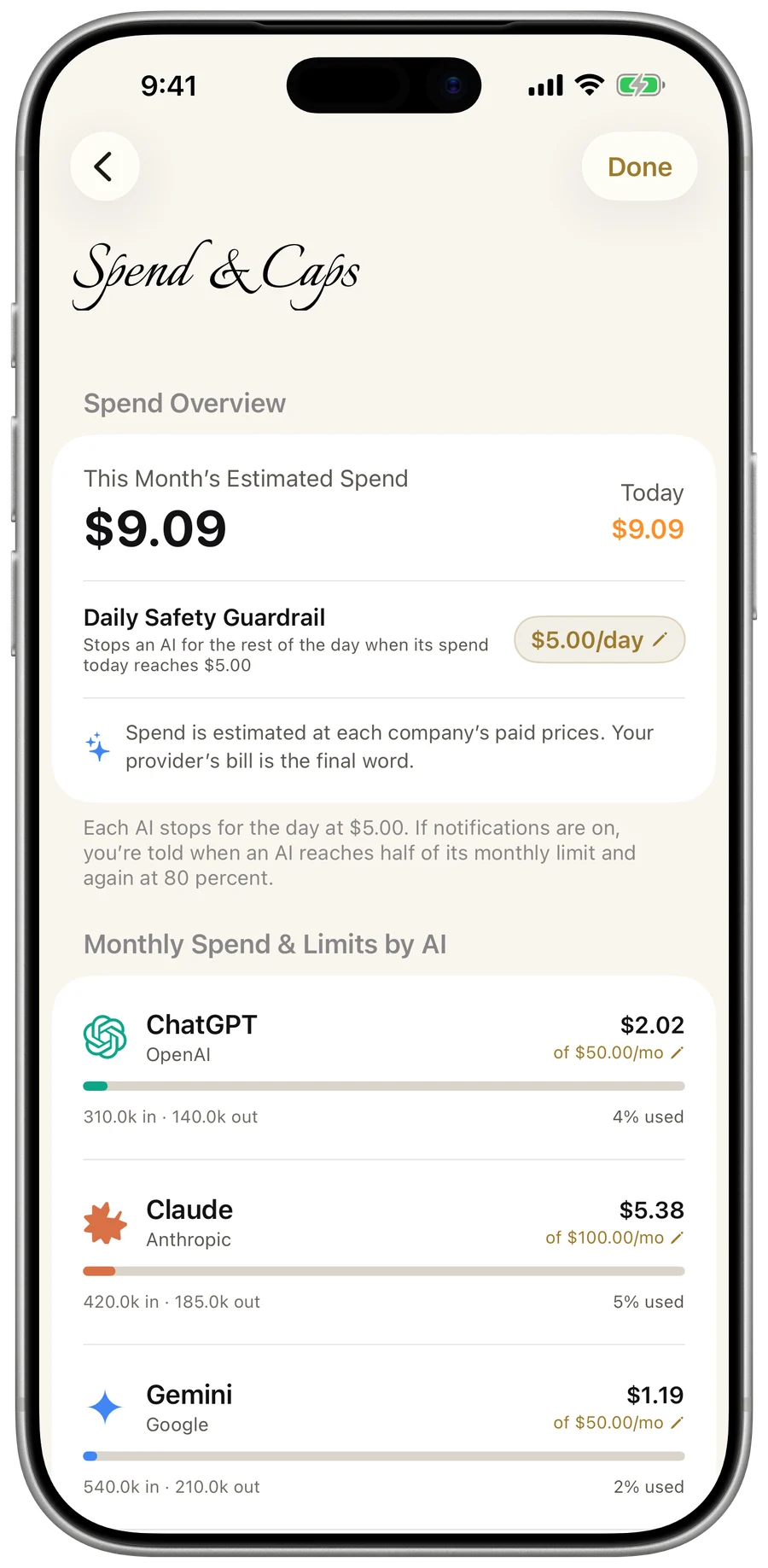
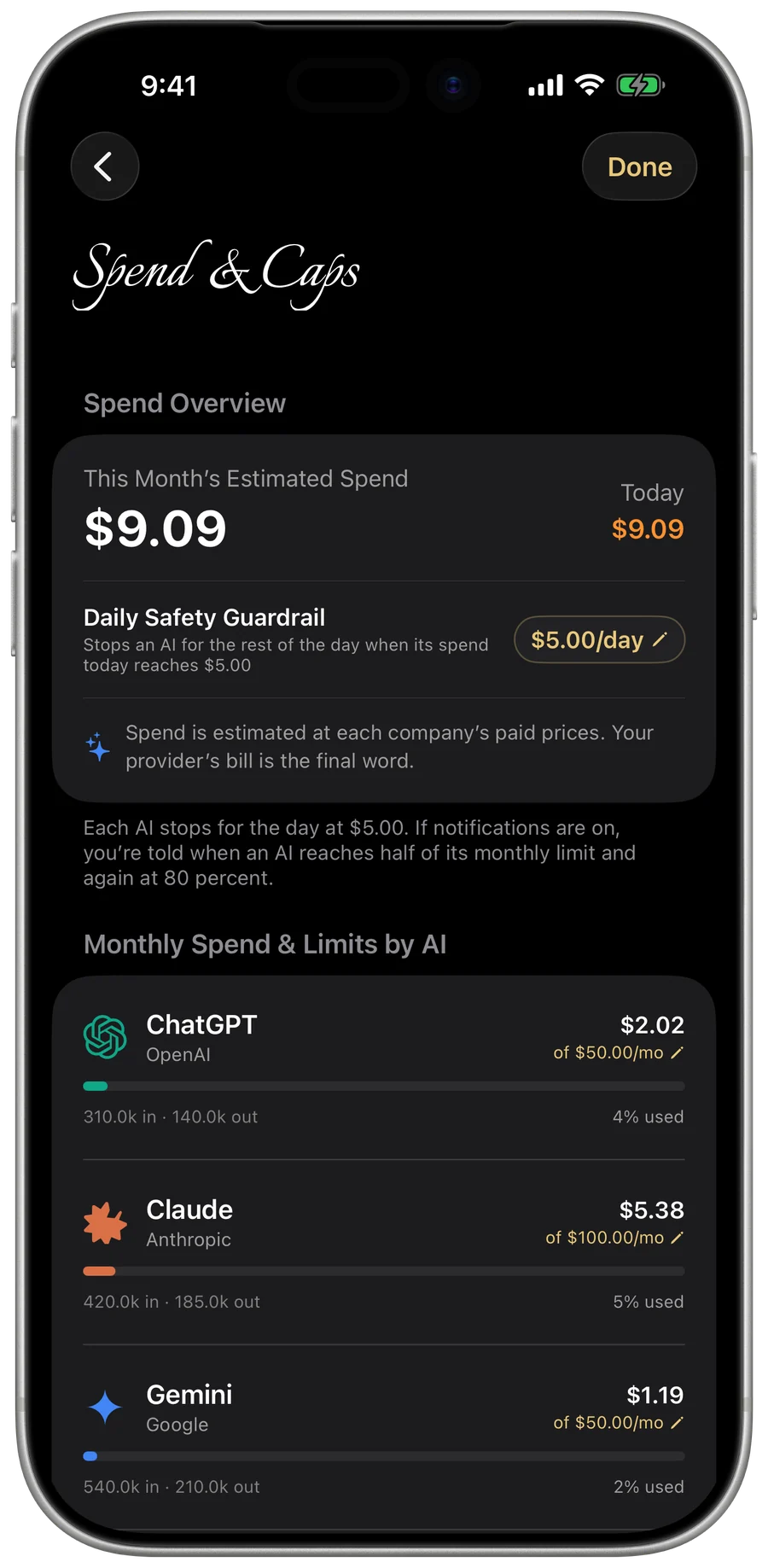
Know what you spend, and cap it
Set a monthly limit for each AI and a daily safety guardrail. Spend is calculated from token usage, and your AI company's bill is the final word. Sentinel stops sending once a limit is reached and can notify you at half and at 80 percent.
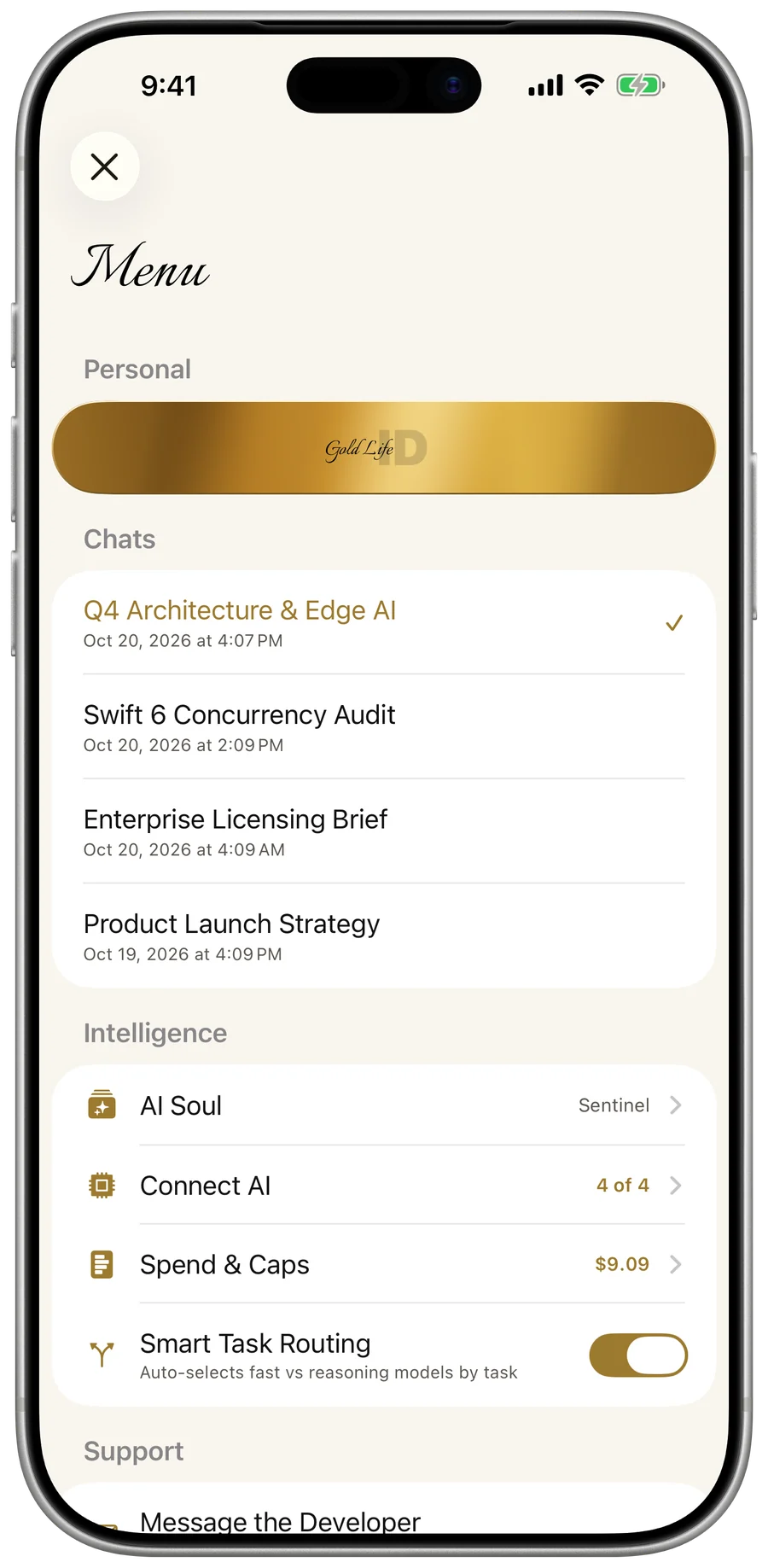
Zero-knowledge encrypted sync
Chats, saved memories (up to 1,000), and your AI Soul sync across iPhone, iPad, Mac, and Web with end-to-end GLS1 (AES-256-GCM) zero-knowledge vault encryption. Gold Life never holds your master key and cannot read your data. Before your first message goes to an AI, Sentinel asks you to tap Allow Sharing. Your spend history stays on-device, and your API keys stay in memory for your session unless you turn on Save API Key.
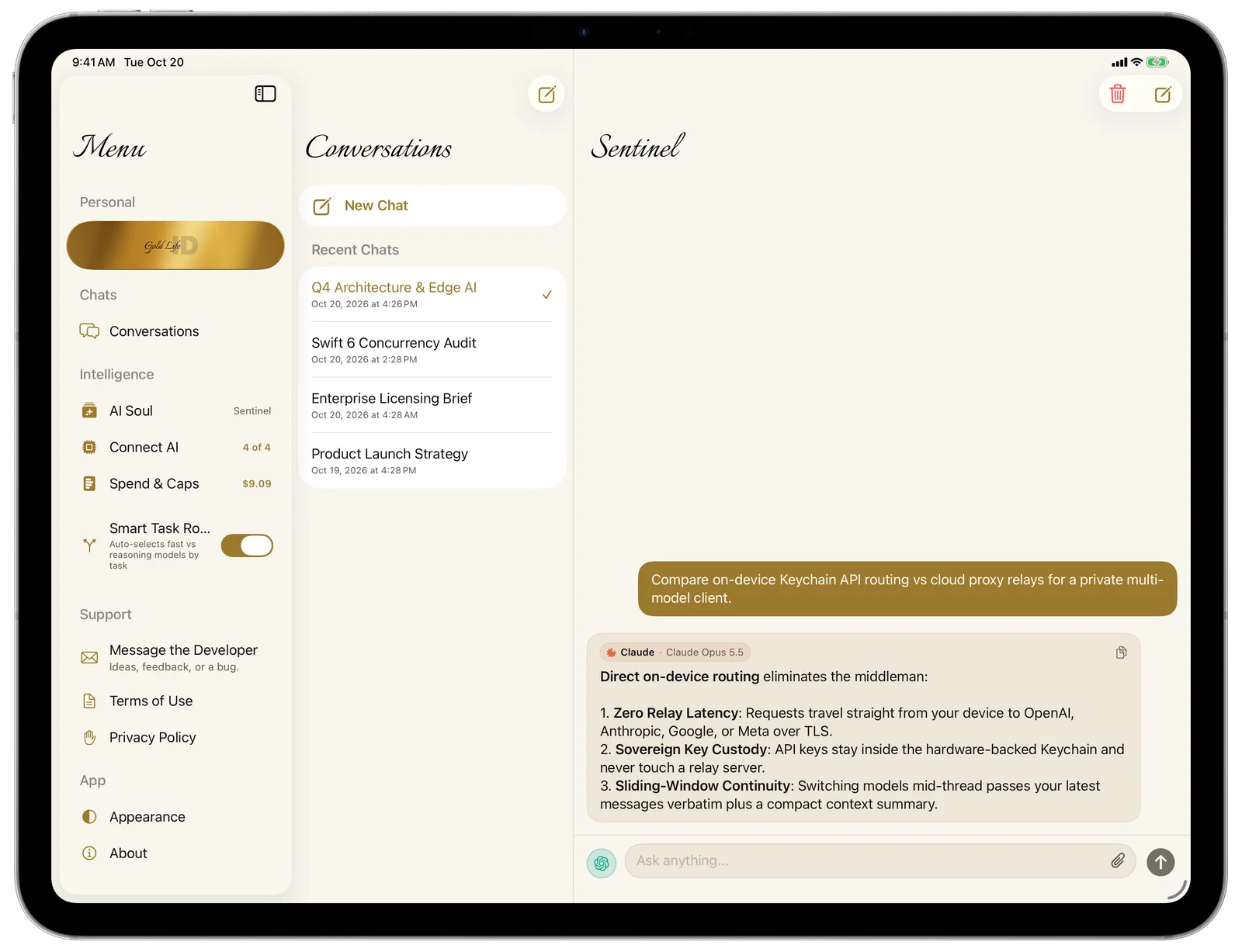
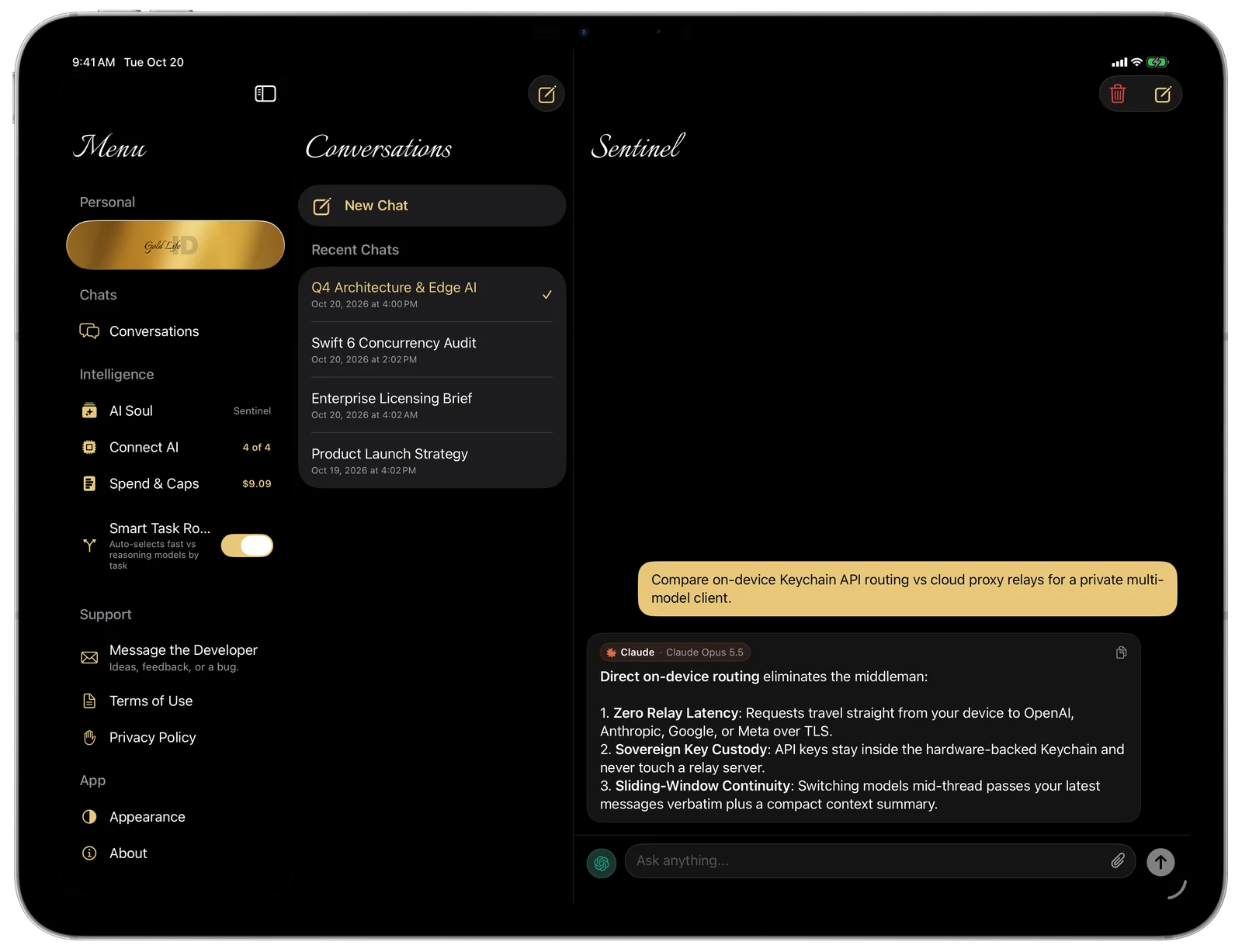
Made for iPad Too.
Your conversations sit beside the chat, and the Menu opens from the sidebar button. You can also take the chat full screen.
Uncompromising Protection.
Sentinel is built so the private parts stay with you. Your keys stay on your device (or in your iCloud Keychain if you turn on Save API Key), your chats, memories, and AI Soul sync with zero-knowledge GLS1 encryption, and your messages go only to the AI companies you connect after you tap Allow Sharing.
Keys under your control
Your API keys stay in memory for your session (or in your iCloud Keychain if you turn on Save API Key) and are never sent to Gold Life. A key goes only to the AI company it belongs to.
Zero-knowledge encrypted sync
Chats, saved memories (up to 1,000), and your AI Soul sync seamlessly across iPhone, iPad, Mac, and Web with end-to-end GLS1 (AES-256-GCM) zero-knowledge vault encryption. Gold Life never holds your master key and cannot read your data. BYOK API keys and spend history stay on-device.
You allow sharing first
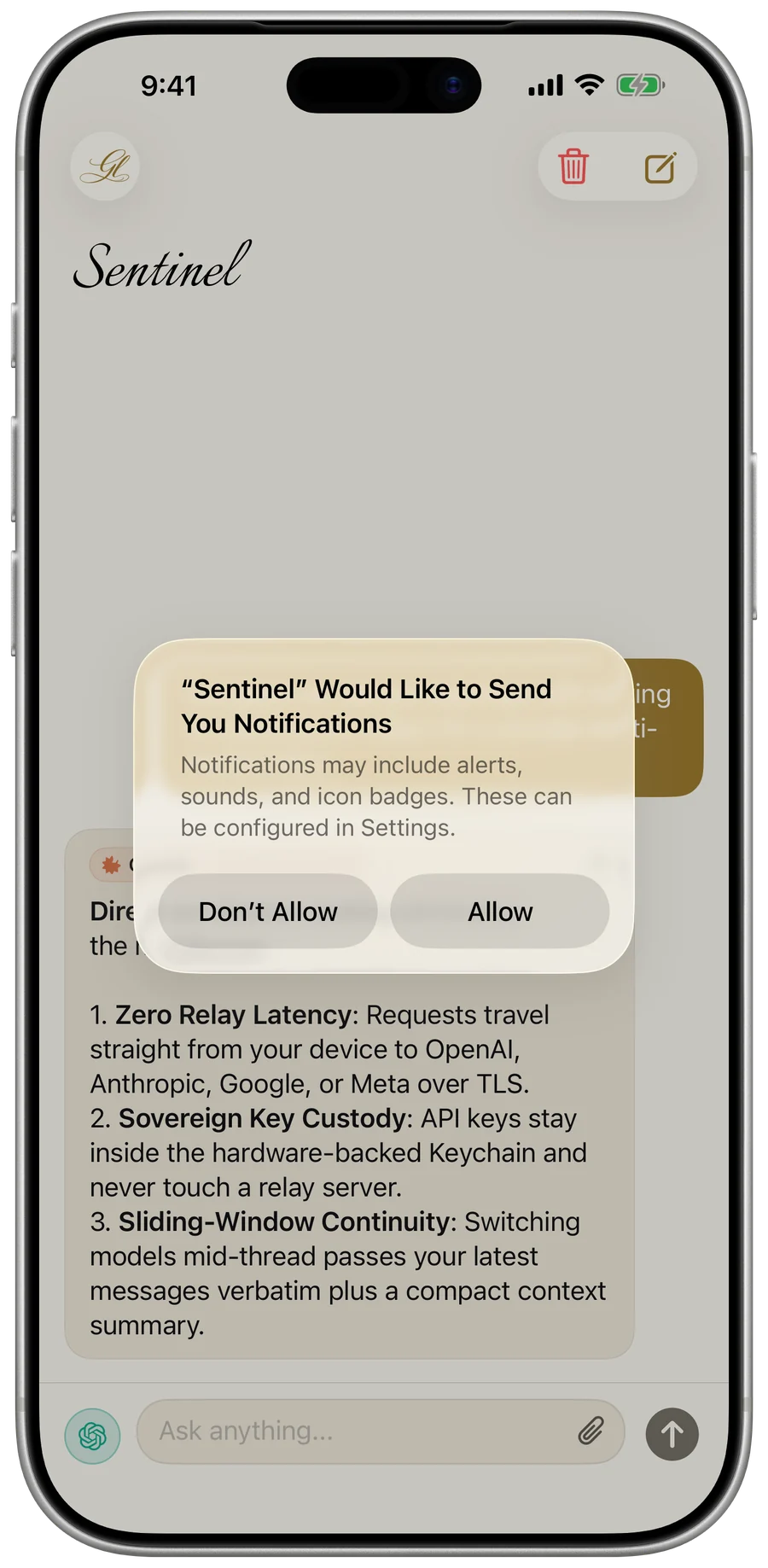
Before your first message goes to an AI, Sentinel asks you to tap Allow Sharing. None of your messages or files are sent until you do.
Sign out and it’s gone
Signing out deletes your chats, saved memories, AI Soul, spend history and unsaved connection keys from the device.